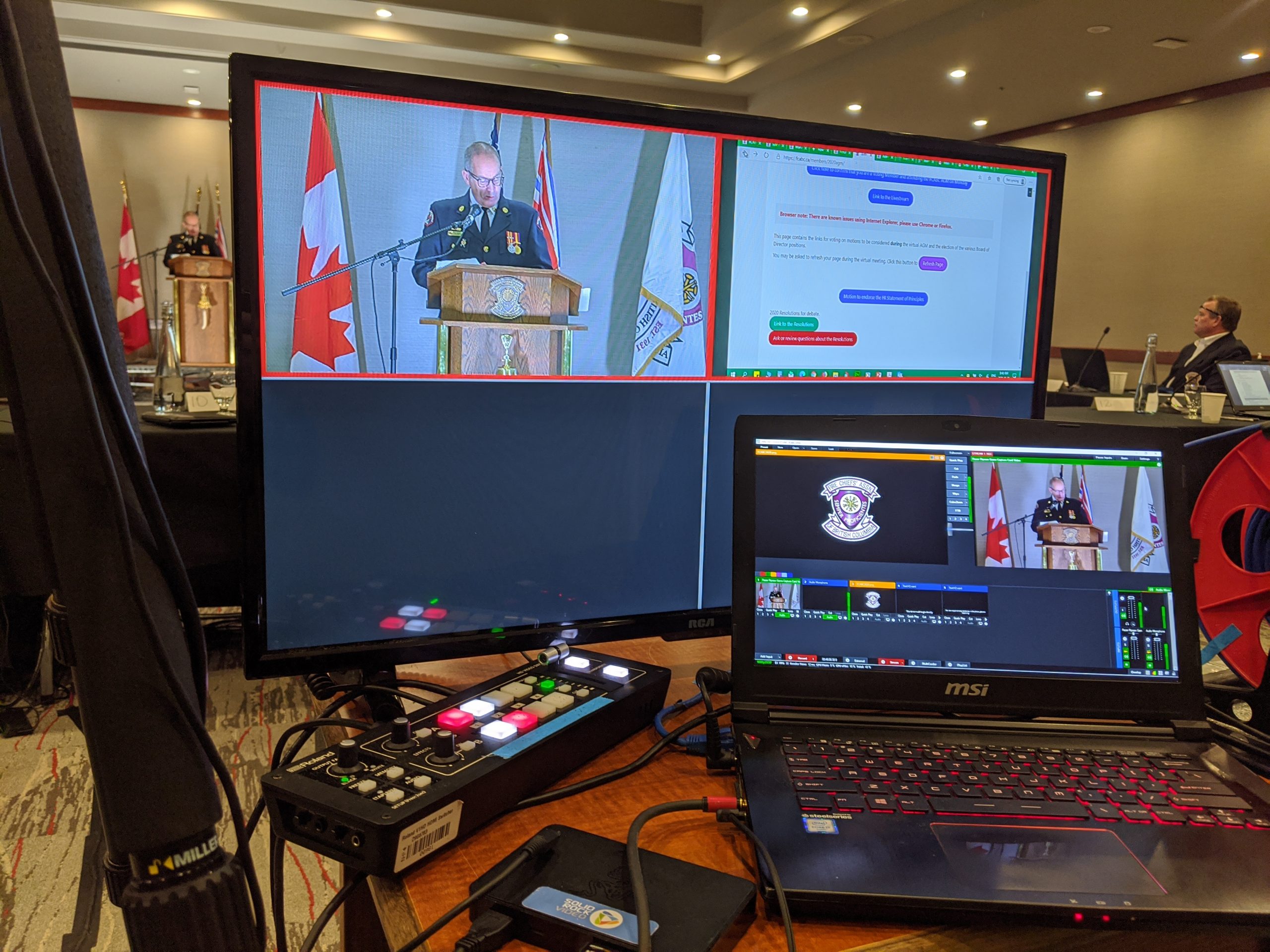
It’s no surprise why people love streaming events to YouTube and Facebook. They’re big, trusted platforms with an interface you already understand. But if you’re streaming an event, you’re probably going to have your stream shut down in the snap of a finger.
Why? Well, the short answer is artificial intelligence (AI). That sounds terrifying, but it’s YouTube and Facebook’s way of ensuring you’re not using copyrighted material in your stream. If there is even a hint of music playing in the background of your video, the AI can detect it. Somehow, it seems way better than the human ear at detecting stuff like this–your stream will be taken off line, or they will interrupt it with advertisements.
This has happened to me in years past. I’ve had streams deleted and shut down. I’ve learned from this, and I hope you can learn this before it happens to you.
This is not true. Obviously, as a video production professional, I care very deeply about doing things the right way, but that’s not arbitrary. Better quality gets you better engagement every time… but there are a few things you can do to improve your stream quality on a shoestring budget.
Let’s say you only have your mobile phone. Your goal is to make your phone camera look the best it possibly can. Phone cameras are getting more advanced all the time, but they still do weird things in contexts like this.
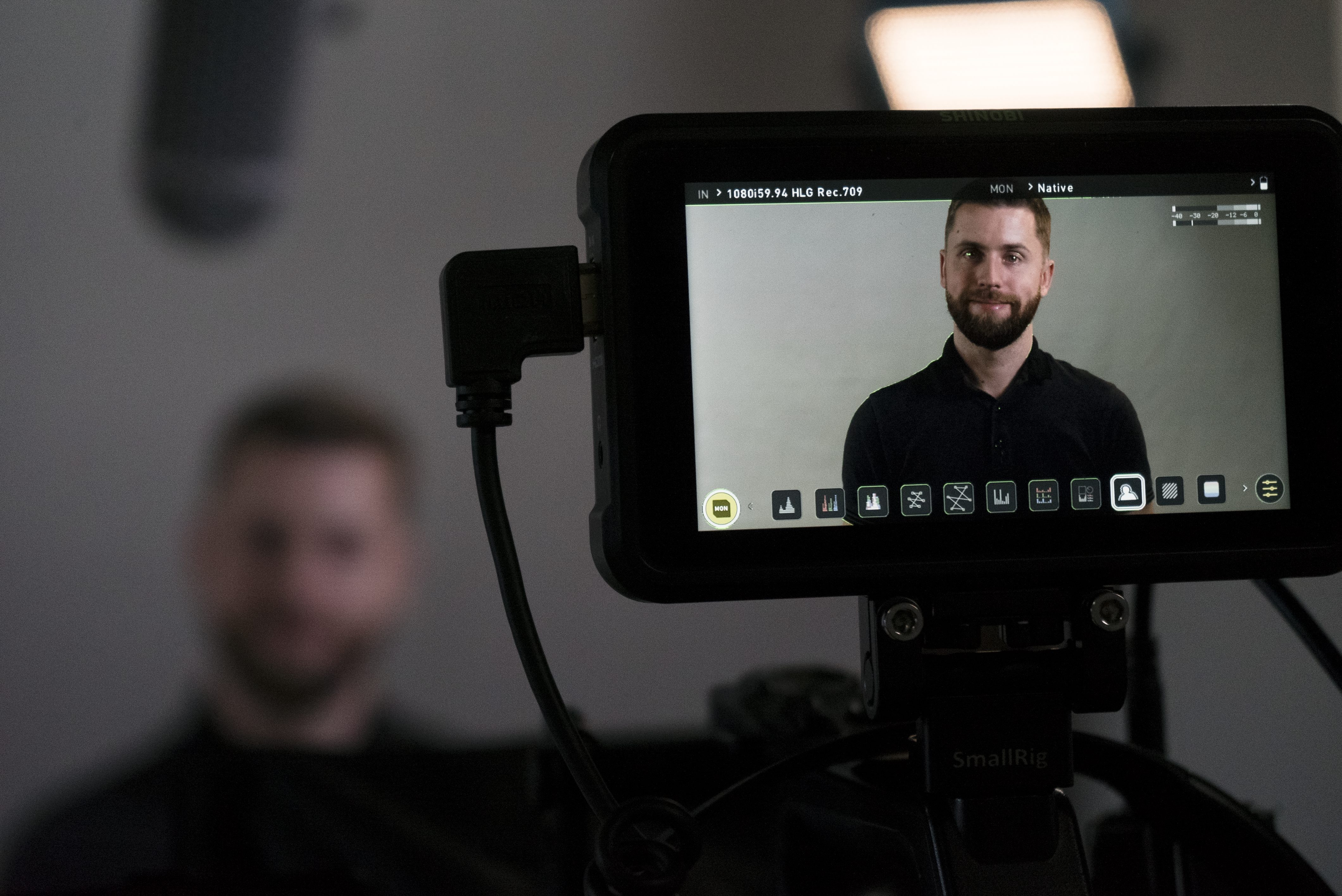
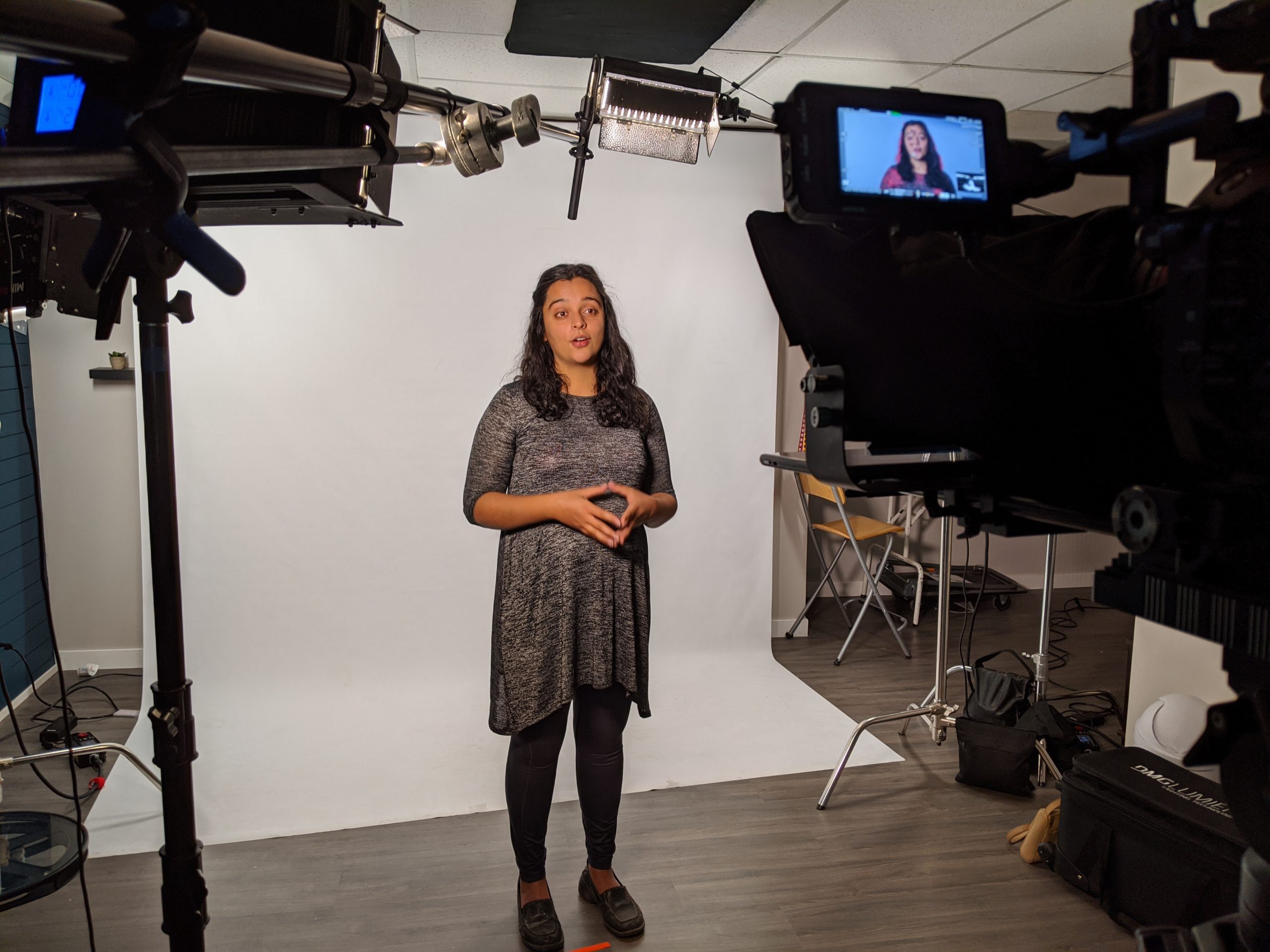
First, get your camera (phone or otherwise) and make sure it’s on a tripod. There are cheap options for phones and cameras alike. Don’t want to do that? Use a bookshelf. Get the phone camera steadied–nobody wants to see your nauseating, shaky live-stream.
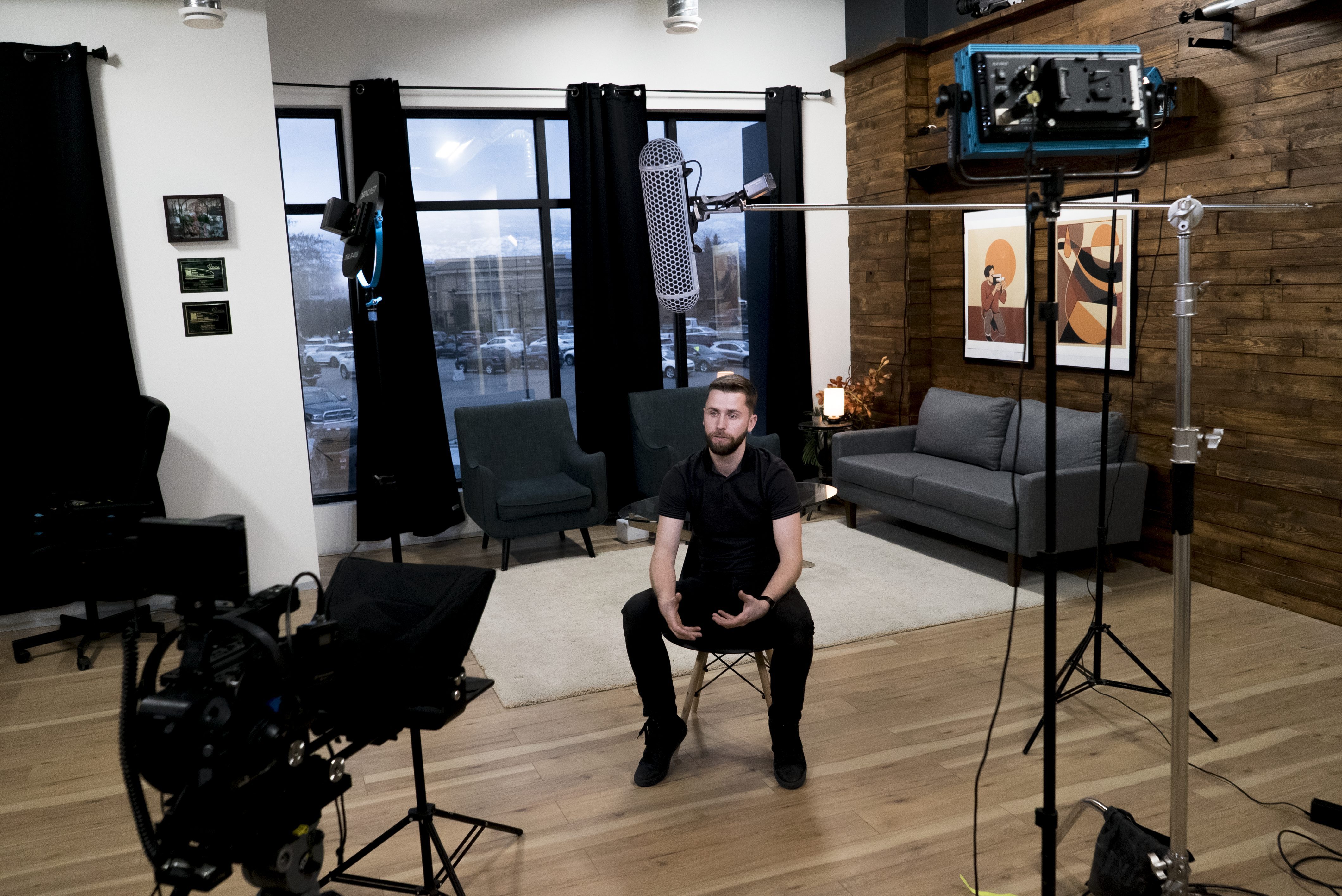
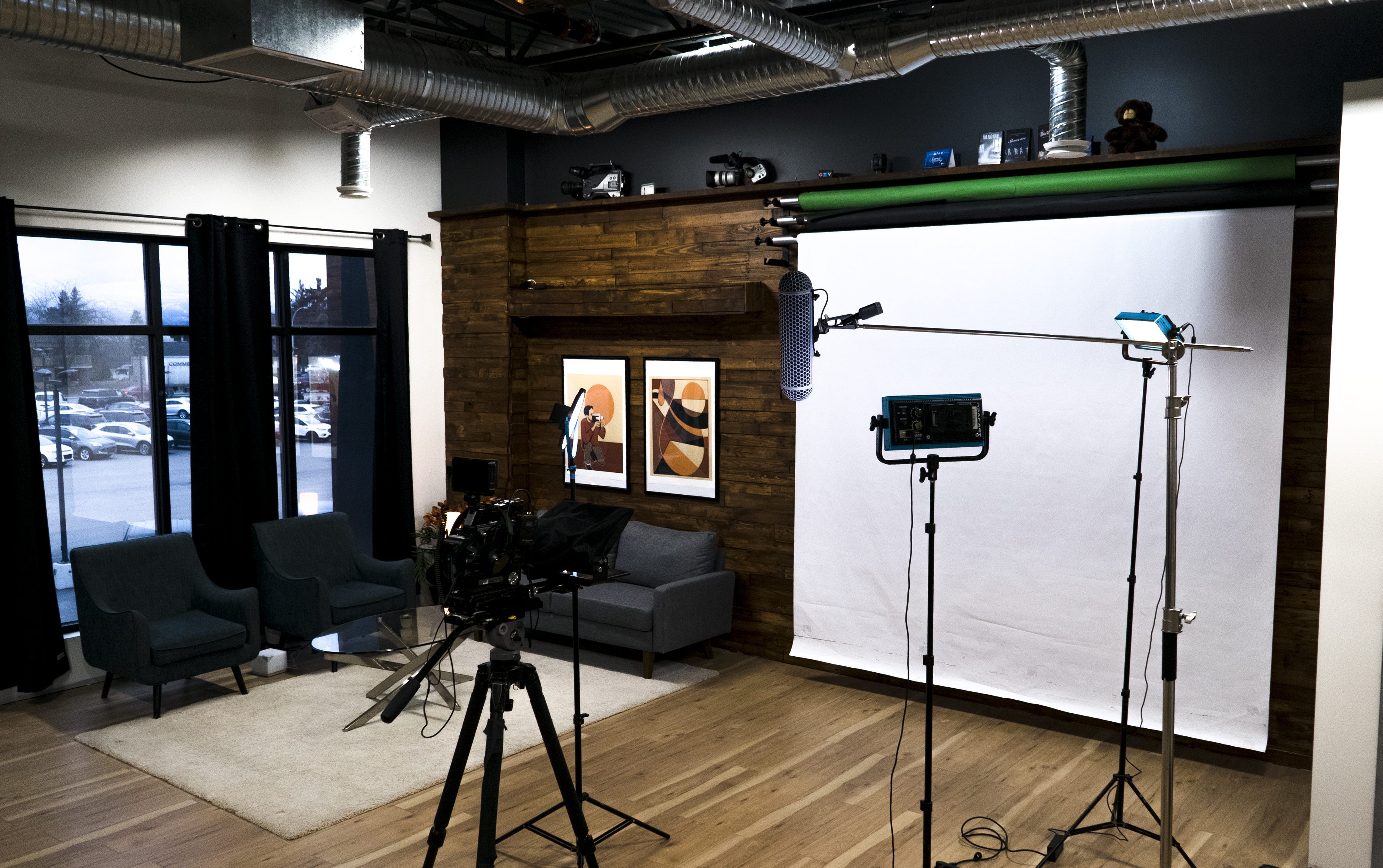
Second: give your camera a good lighting situation! Use whatever portable lights you have available–even a shop light can work in a pinch–to light the face of your subject. Make sure the background isn’t brighter than your focal point. Declutter and darken the space behind a presenter however you can.
Lastly, get some better audio. There are loads of good, cheap solutions for microphones online. There are microphones that you can connect wirelessly to your phone–and that will reduce the ambient noise and lack of clarity that makes your audience tune out. You could even get a Rode directional video microphone that can mount on your camera or phone. You want to capture your subject in your live stream, not all the distracting sounds around your subject.
These things don’t cost much, but they make a world of difference.